
Connect Wahoo, sync automatically.
Automatically sync your Wahoo workouts with your AI coach. Authorise once and every ride flows through within minutes of saving.
Wahoo's API is solid and the sync is fast, usually under a minute after a ride finishes. You authorise once via the Wahoo OAuth screen and every ELEMNT, KICKR session, or SYSTM workout flows through automatically.
Same five-step flow as Garmin.
How to connect
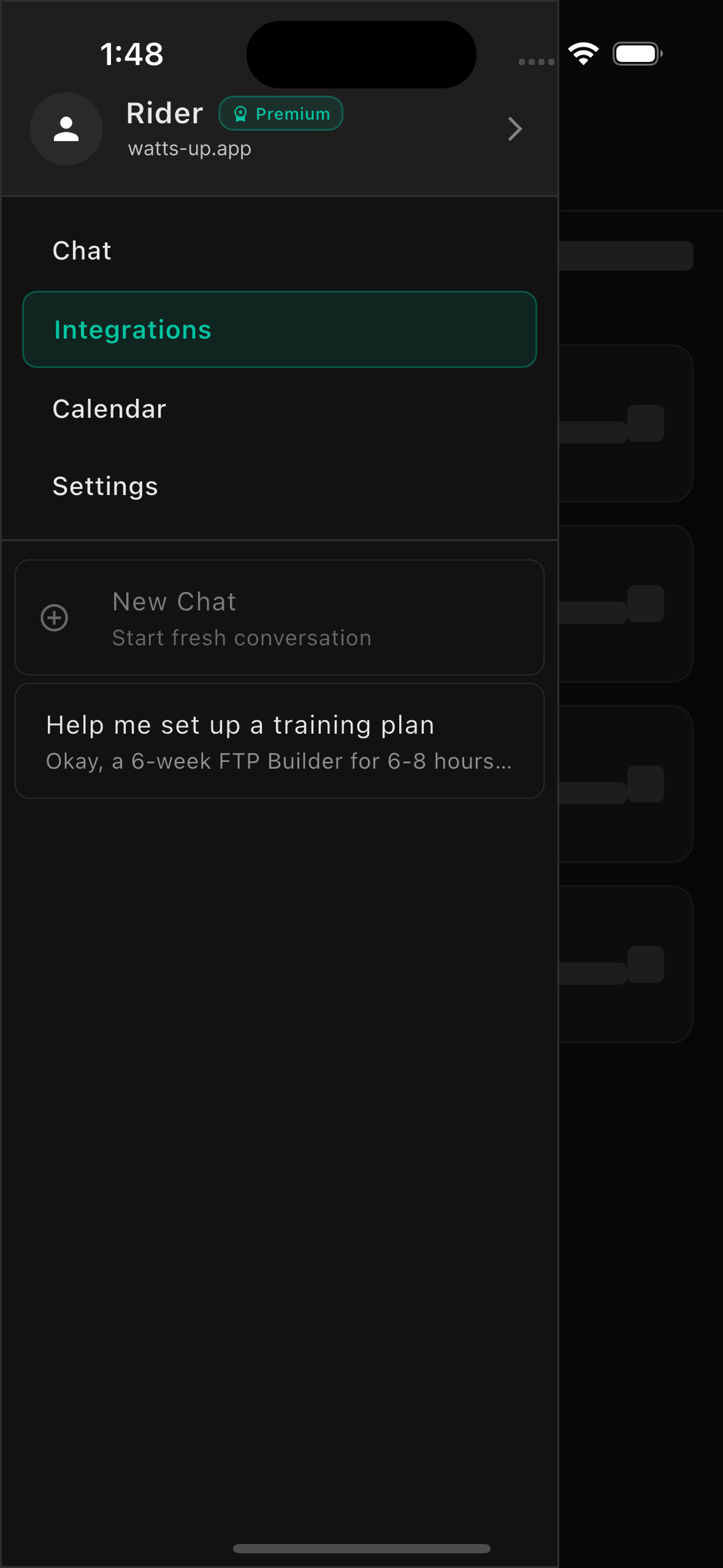
Go to Integrations
Open the WattsUp app and navigate to Settings, then tap on Integrations.
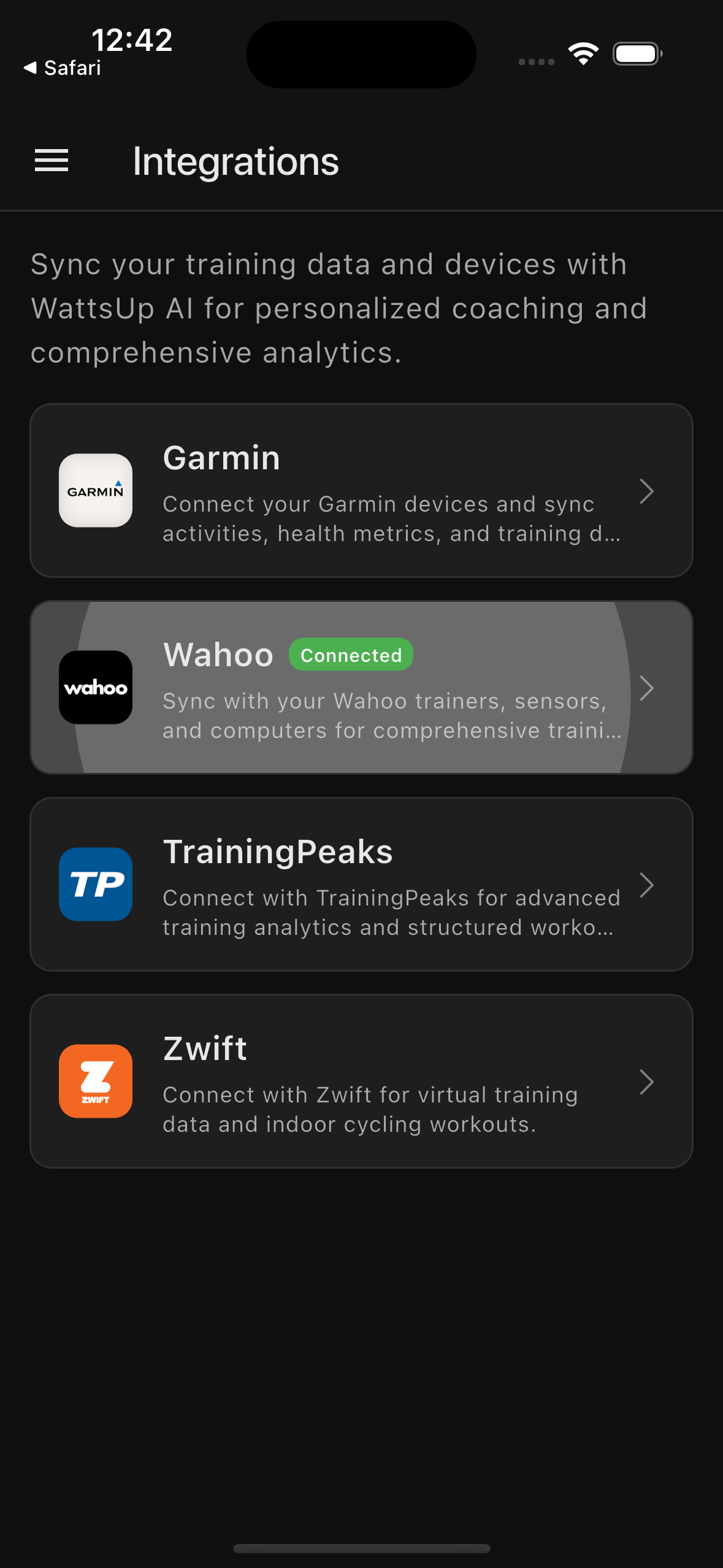
Select Wahoo
Find and tap on the Wahoo option to begin the connection process.
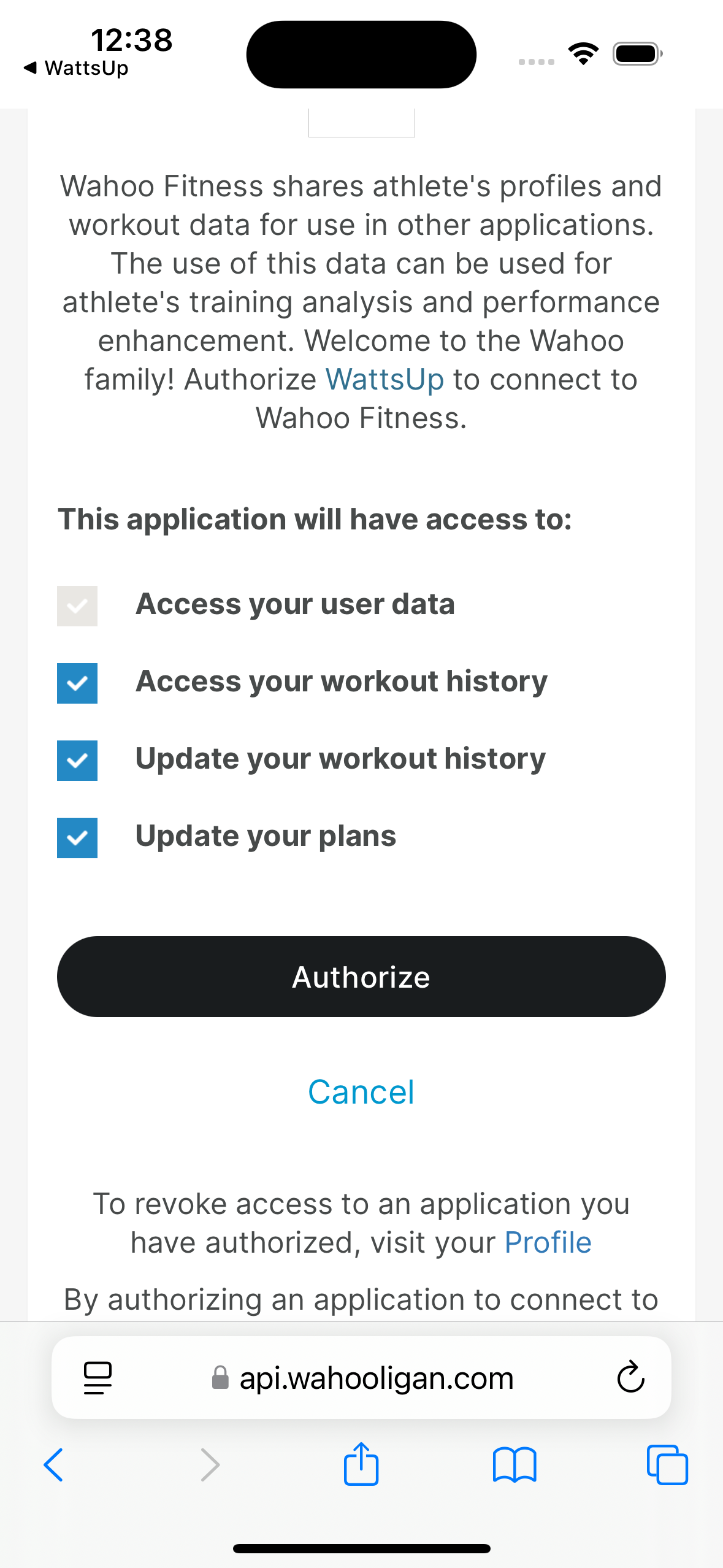
Authorise Access
Sign in to your Wahoo account and authorise WattsUp to access your workouts.
Navigate to Calendar
Go to the Calendar tab in WattsUp. Find a day during your training plan and tap it to view the scheduled workout.
Sync to Wahoo
Select the week you would like to sync, then tap 'Sync to Wahoo' to push those workouts to your Wahoo account.
Supported devices
Devices that connect via Bluetooth and sync rides to Wahoo Cloud.
— Wahoo ELEMNT BOLT & ROAM
All rides saved on ELEMNT devices sync automatically within minutes of the device uploading to Wahoo Cloud via Bluetooth.
— Wahoo KICKR Trainers
Indoor sessions from KICKR, KICKR CORE, and KICKR SNAP sync with full power and cadence data via Bluetooth.
Important notes
A few things to know before syncing workouts to your Wahoo device.
— Pushed workouts cannot be deleted
Once a workout is pushed to Wahoo it cannot be removed remotely. We recommend syncing one week at a time so that if your plan changes as you progress, you're not left with stale workouts on your device.
— Syncing to your Wahoo device
After WattsUp pushes workouts to your Wahoo account, you'll need to sync them to your device using the Wahoo app. See Wahoo's official guide for instructions.
Wahoo planned workouts guide ↗Three tips
WattsUp only reads your workout data. We never modify or delete anything on Wahoo Cloud.
Your Wahoo data is securely stored and never shared with third parties.
You can disconnect at any time from the WattsUp app settings.
Write to us.
Real humans in Melbourne. Replies within 24 hours, even on weekends.
Contact support