
Push workouts to your Garmin.
WattsUp connects to Garmin to send training plan workouts directly to your device. Authorise once and scheduled sessions appear on your Garmin automatically.
WattsUp connects to Garmin solely to push training plan workouts to your device. We do not read or sync your activity data via the Garmin API. To get AI coaching feedback on your Garmin rides, you'll need to manually upload your .fit file.
Five steps from the home screen.
How to connect
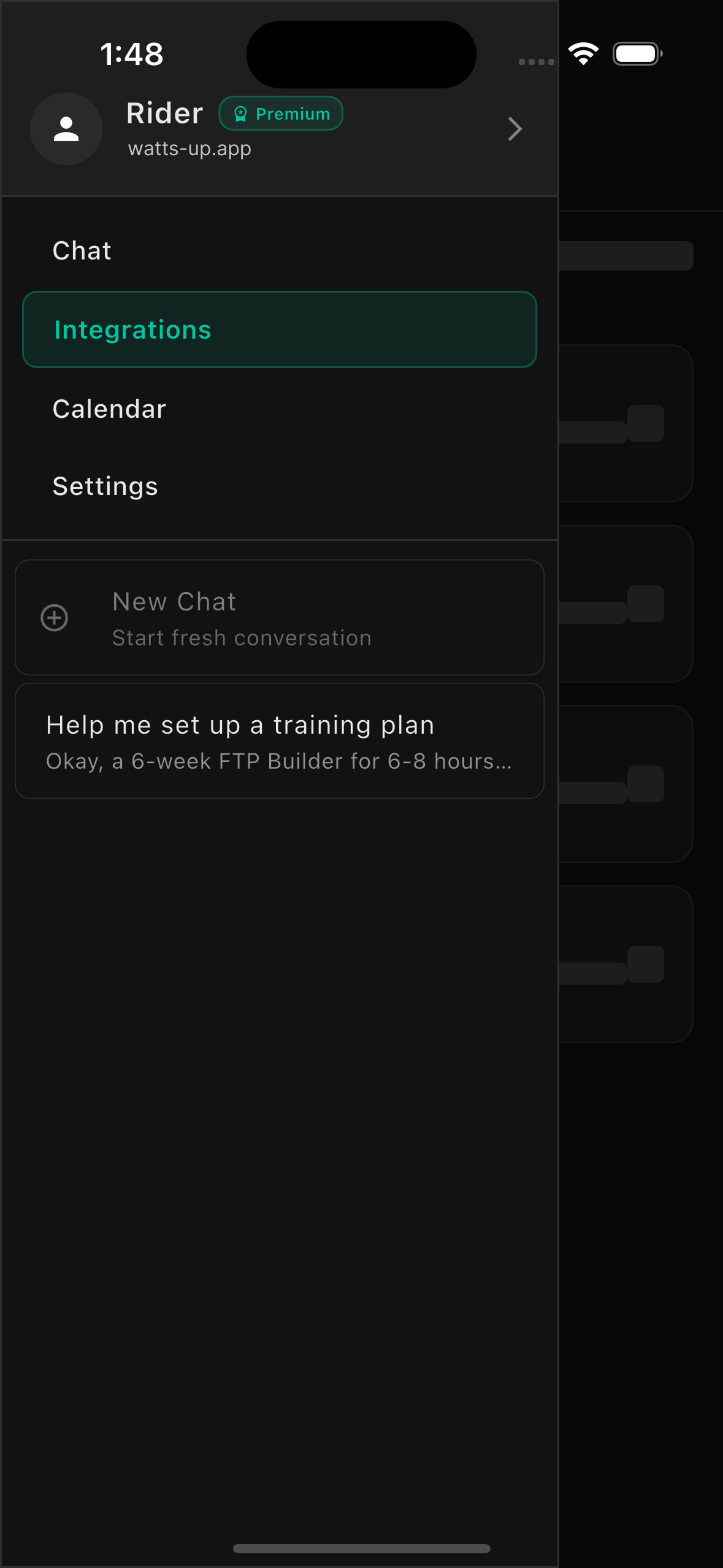
Go to Integrations
Open the WattsUp app and navigate to Settings, then tap on Integrations.
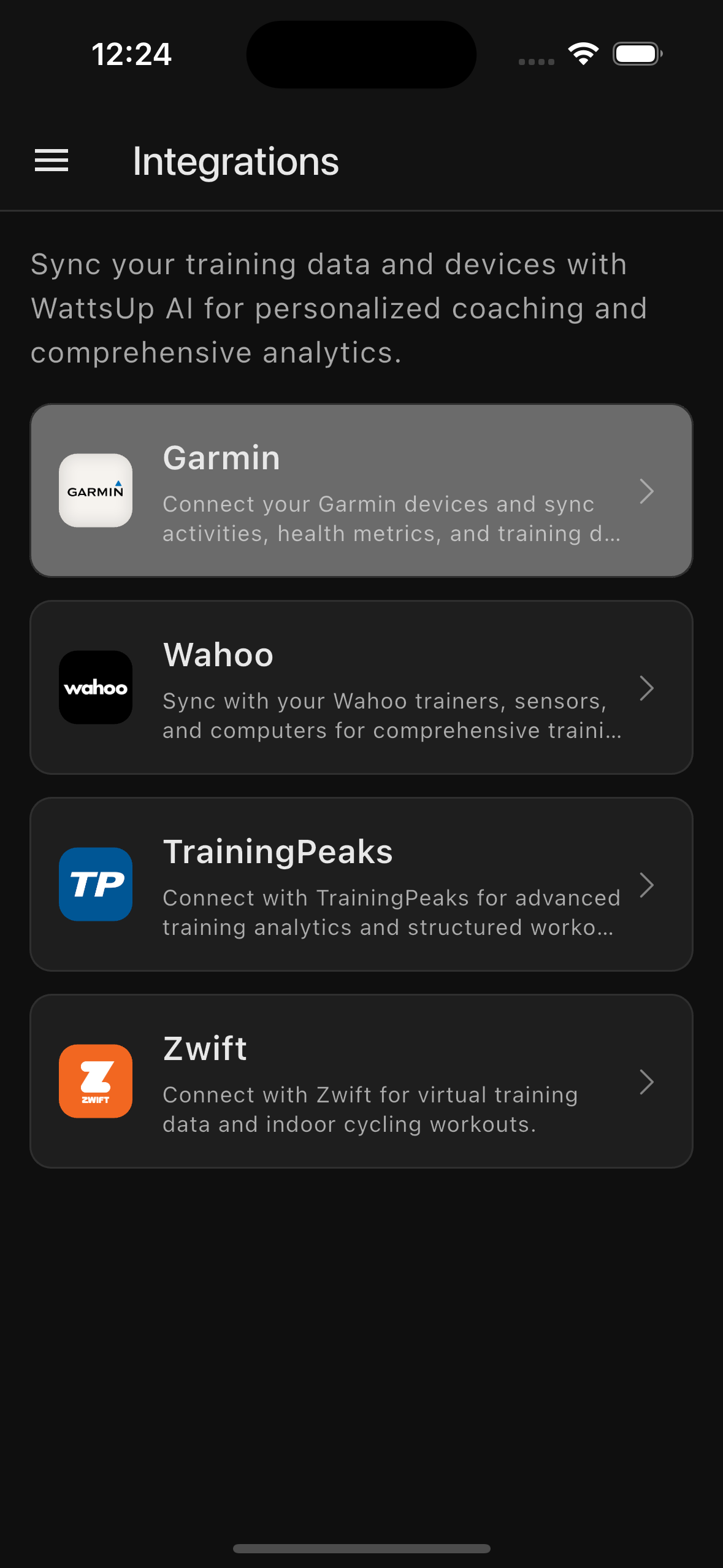
Select Garmin Connect
Find and tap on the Garmin Connect option to begin the connection process.
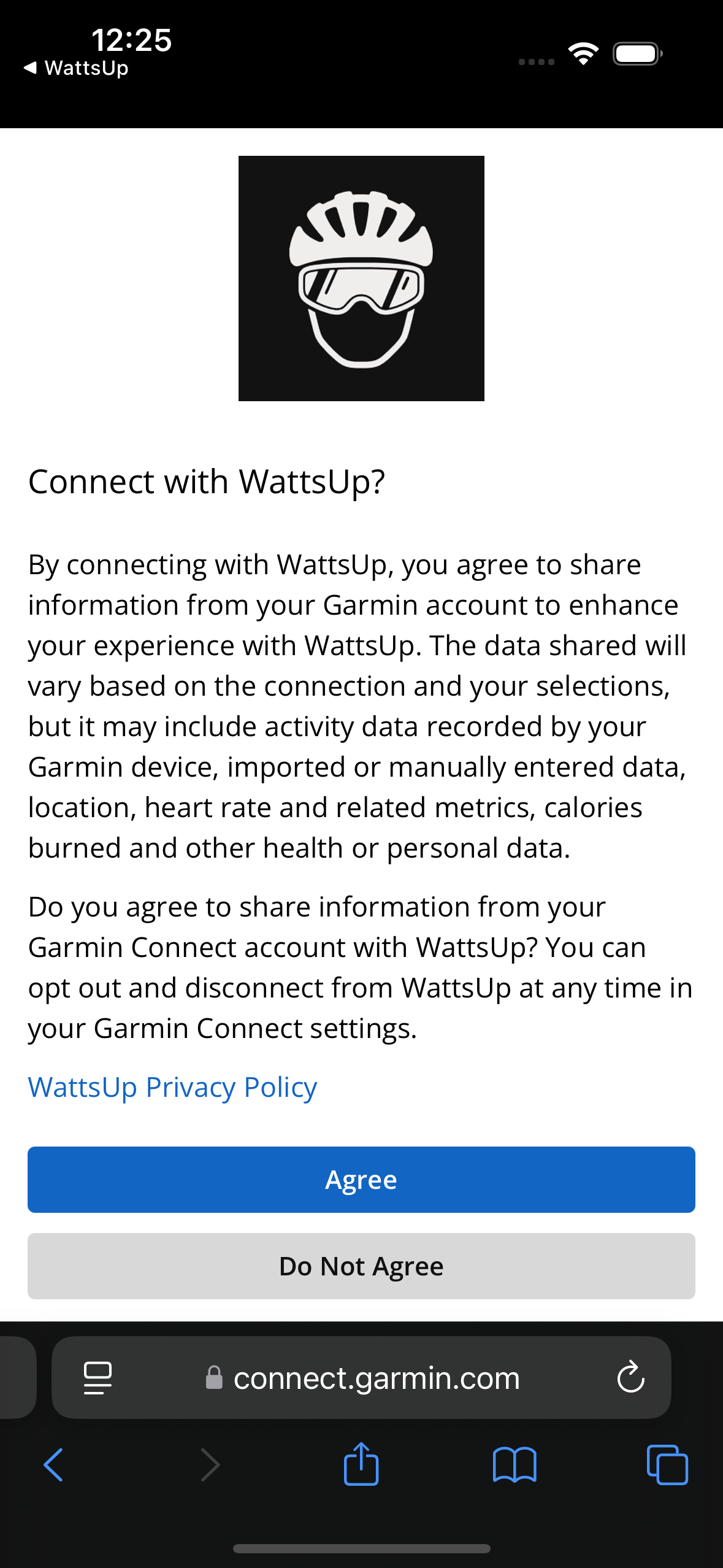
Authorise Access
Sign in to your Garmin account and authorise WattsUp to connect.
Navigate to Calendar
Go to the Calendar tab in WattsUp. Find a day during your training plan and tap it to view the scheduled workout.
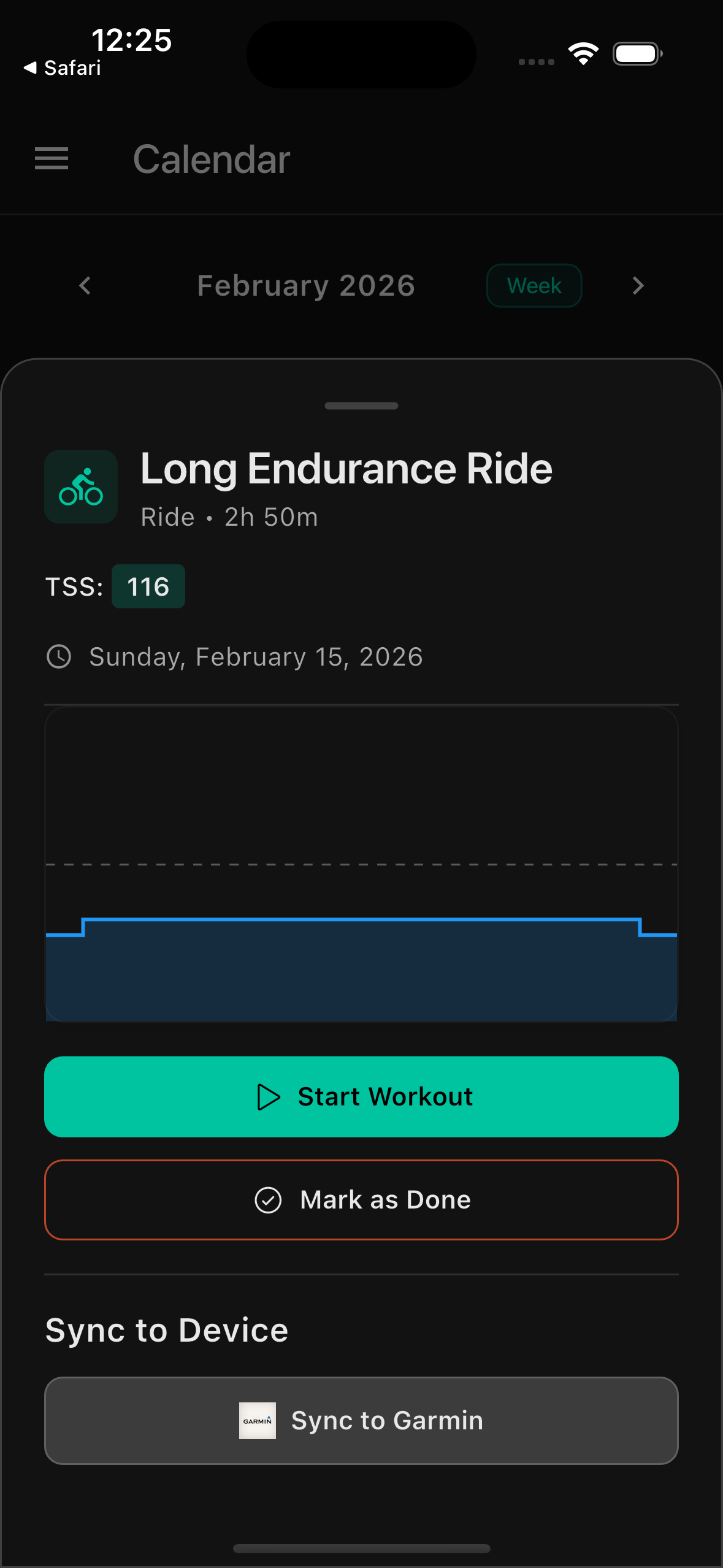
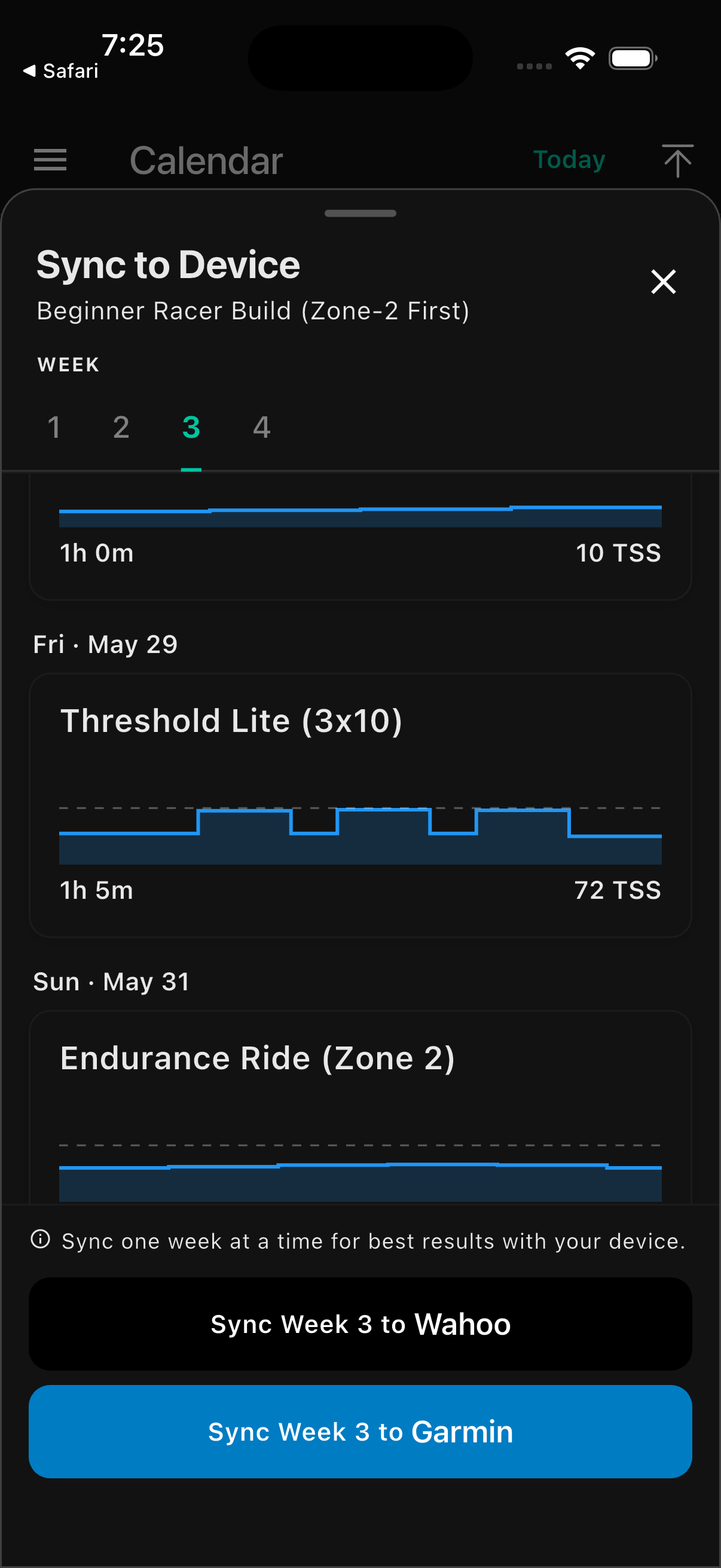
Sync to Garmin
Select the week you would like to sync, then tap 'Sync to Garmin' to push those workouts to your Garmin account.
Important notes
What WattsUp does and doesn't do with your Garmin connection.
— What it does
WattsUp pushes scheduled training plan workouts directly to your Garmin device. Sessions appear in the Workouts section of your Garmin shortly after they're scheduled.
— What it doesn't do
Due to Garmin API restrictions, WattsUp cannot automatically read your activity data from Garmin. We never write to or modify your Garmin data.
— Getting Garmin rides into WattsUp
To get AI coaching feedback on your Garmin rides, export the .fit file from Garmin Connect and upload it to WattsUp. See the 'Upload a FIT file' guide for step-by-step instructions.
— Pushed workouts cannot be deleted
Once a workout is pushed to Garmin it cannot be removed remotely. We recommend syncing one week at a time so that if your plan changes as you progress, you're not left with stale workouts on your device.
— Syncing to your Garmin device
After WattsUp pushes workouts to your Garmin account, you'll need to sync them to your device using the Garmin Connect app. See Garmin's official guide for instructions.
Garmin Connect sync guide ↗Four tips
Workouts from your training plan will appear on your Garmin device shortly after they are scheduled.
Your Garmin connection data is stored securely. Garmin API data is never used for AI coaching or shared with third parties.
You can disconnect at any time from the WattsUp app settings.
For activity data analysis, upload .fit files manually. This is the only way to get AI coaching feedback on Garmin rides.
Write to us.
Real humans in Melbourne. Replies within 24 hours, even on weekends.
Contact support