
Update your profile
Keep your information up to date for better training recommendations. Your weight and FTP are the two numbers that matter most.
Your profile information helps your AI coach provide accurate training recommendations. A weight that's out of date, an FTP from months ago, or a goal that's shifted all nudge every suggestion a little further from what you actually need. Take five minutes once a month.
Here's how to update each field.
How to update
Open Side Menu
Open the WattsUp app and tap the menu icon (three lines) in the top left.
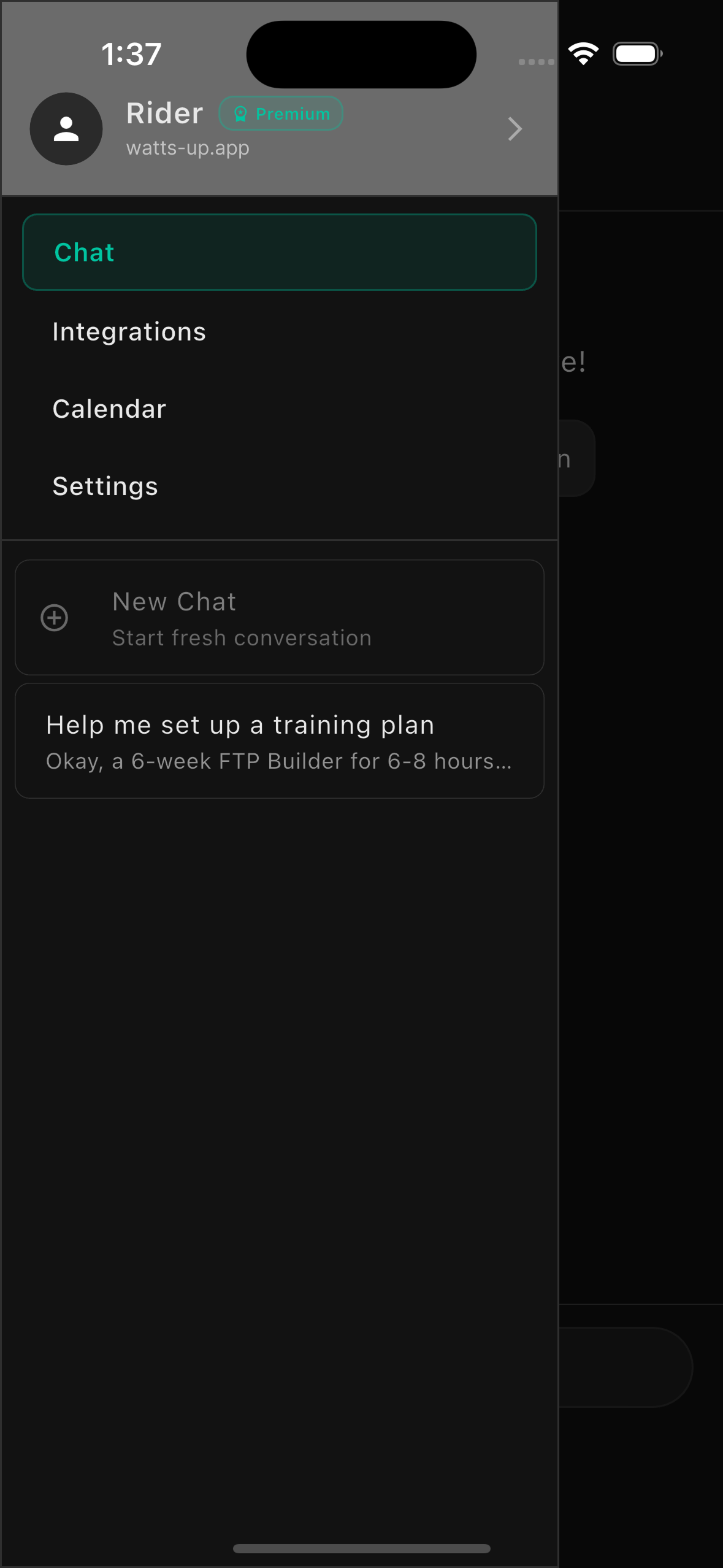
Go to Profile
Tap on your profile picture or name at the top of the side menu.
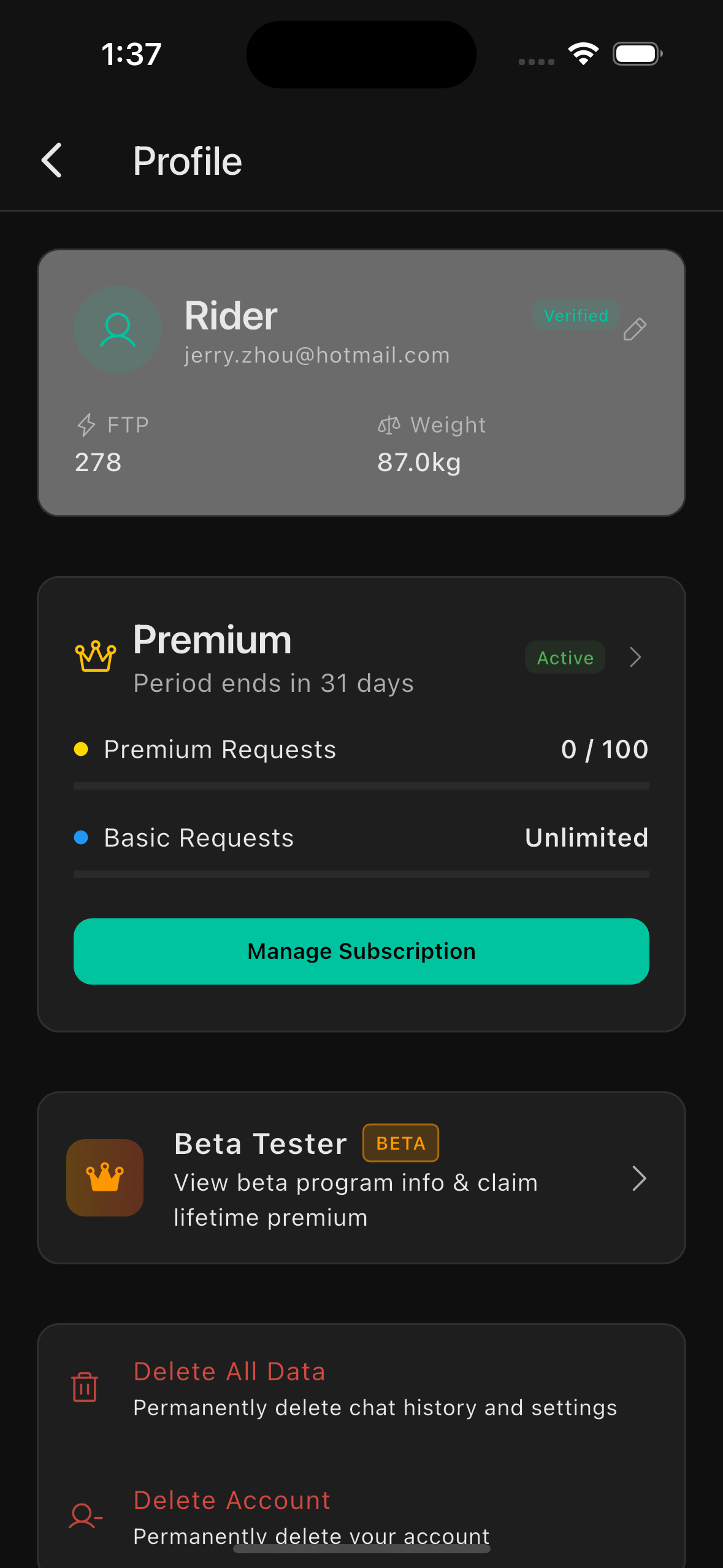
Edit and Save
Tap 'Edit Profile' to update your weight, FTP, and background settings (experience level and goal). When you're done, tap 'Save' to apply all changes.
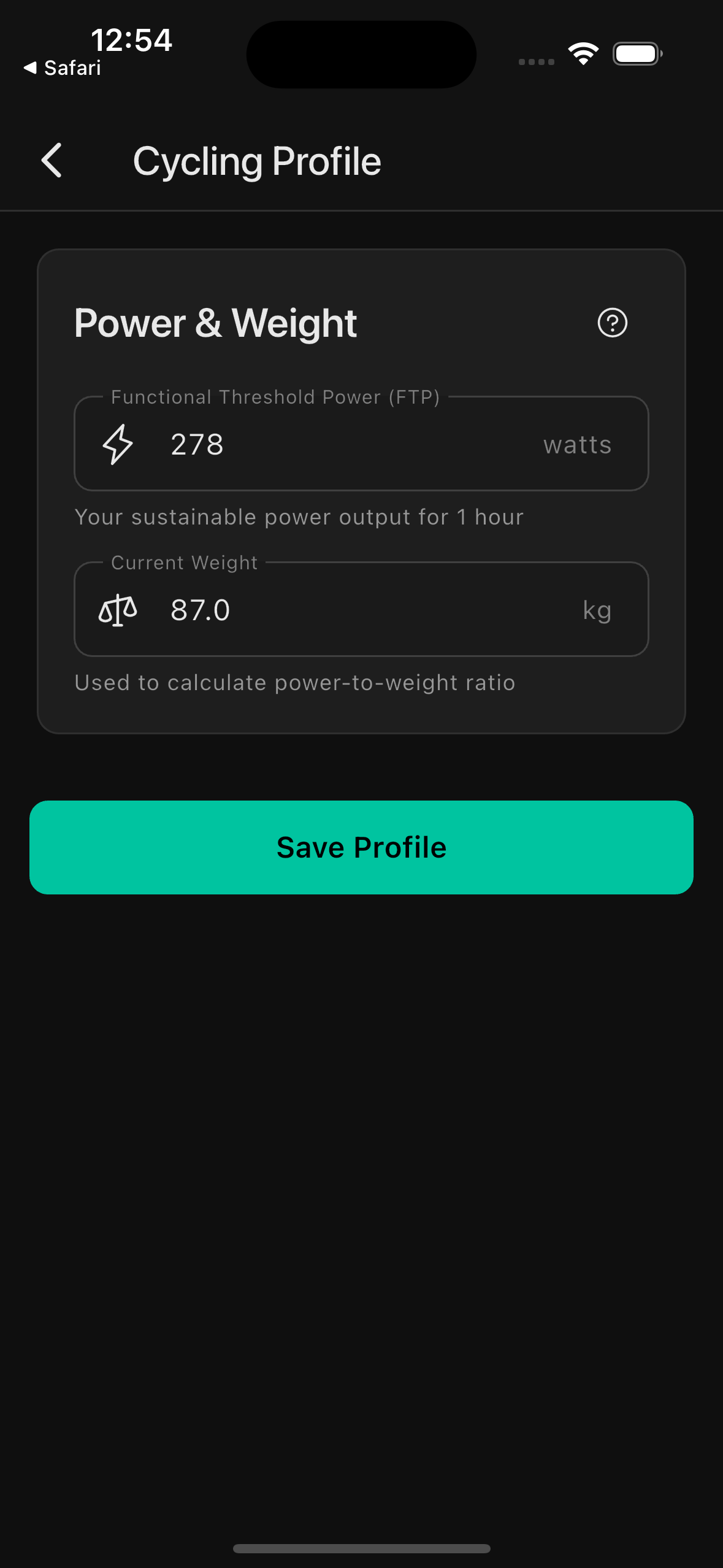
What you can update
These numbers and settings ripple through every zone, workout target, and coaching recommendation.
— Weight
Keep your weight current for accurate power-to-weight calculations and training recommendations.
— FTP (Functional Threshold Power)
Update your FTP to ensure training zones and power-based recommendations are accurate. It's recommended to update this every 4 to 6 weeks or after completing an FTP test.
— Background
Update the experience level and goal you provided during onboarding. These shape how your coach frames every recommendation: your experience level affects technical depth, your goal shapes session structure and focus.
Background options
Your experience level and goal inform how your coach approaches every recommendation. Update these any time your situation changes.
Experience
Your current fitness and cycling experience level. Beginners get more guidance and simpler explanations; Elite riders get more technical depth and fewer caveats.
Goal
What you're training towards. Your coach tailors session structure, intensity targets, and advice around your primary goal.
Profile tips
Update your FTP regularly (every 4 to 6 weeks) for accurate training zones.
Changes to weight and FTP affect power-to-weight calculations and training recommendations immediately.
Update your background whenever your goal or experience level changes. Your coach will adapt accordingly.
Your profile information is private and never shared with third parties.
Write to us.
Real humans in Melbourne. Replies within 24 hours, even on weekends.
Contact support