Schedule Your First Training Plan
Get started with personalized training from your AI coach
What is a Training Plan?
Your AI coach creates personalized training plans based on your goals, fitness level, and available time. Plans include structured workouts, rest days, and progressive training to help you improve.
How to Schedule Your Training Plan
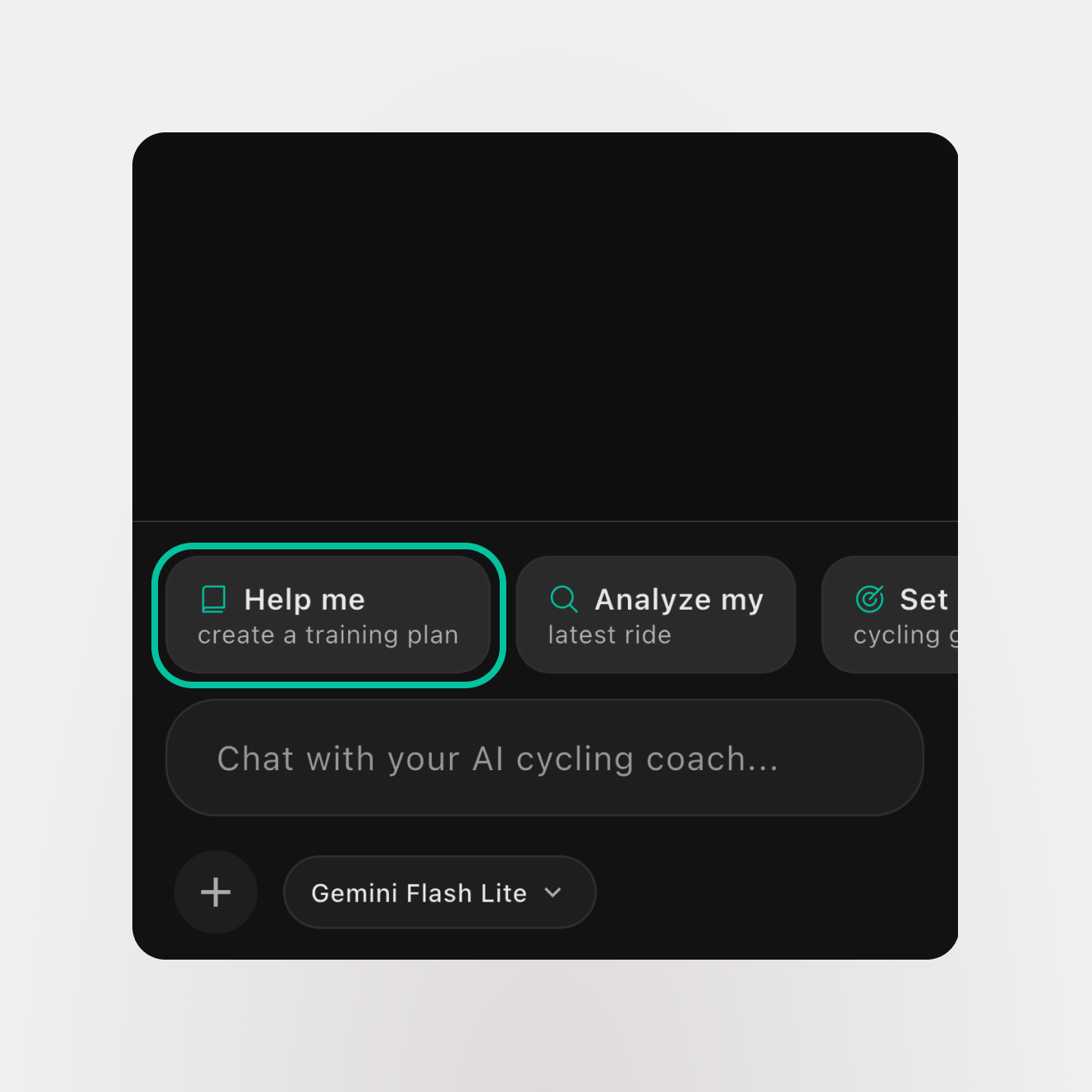
Ask your AI coach to create a plan for you
Open the WattsUp app, navigate to the AI Coach tab, and ask your coach to create a training plan based on your cycling goals - whether it's improving FTP, preparing for an event, or building endurance.
Note: If this is your first time interacting with your coach, you might need to answer a few questions to help your coach tailor a plan for you.
Review the created plan and request revisions as required
Your AI coach will create a personalized training plan. Review the workouts, schedule, and intensity levels. If you need any changes, simply ask your coach to adjust the plan - whether it's modifying workout days, changing intensity, or accommodating your schedule.
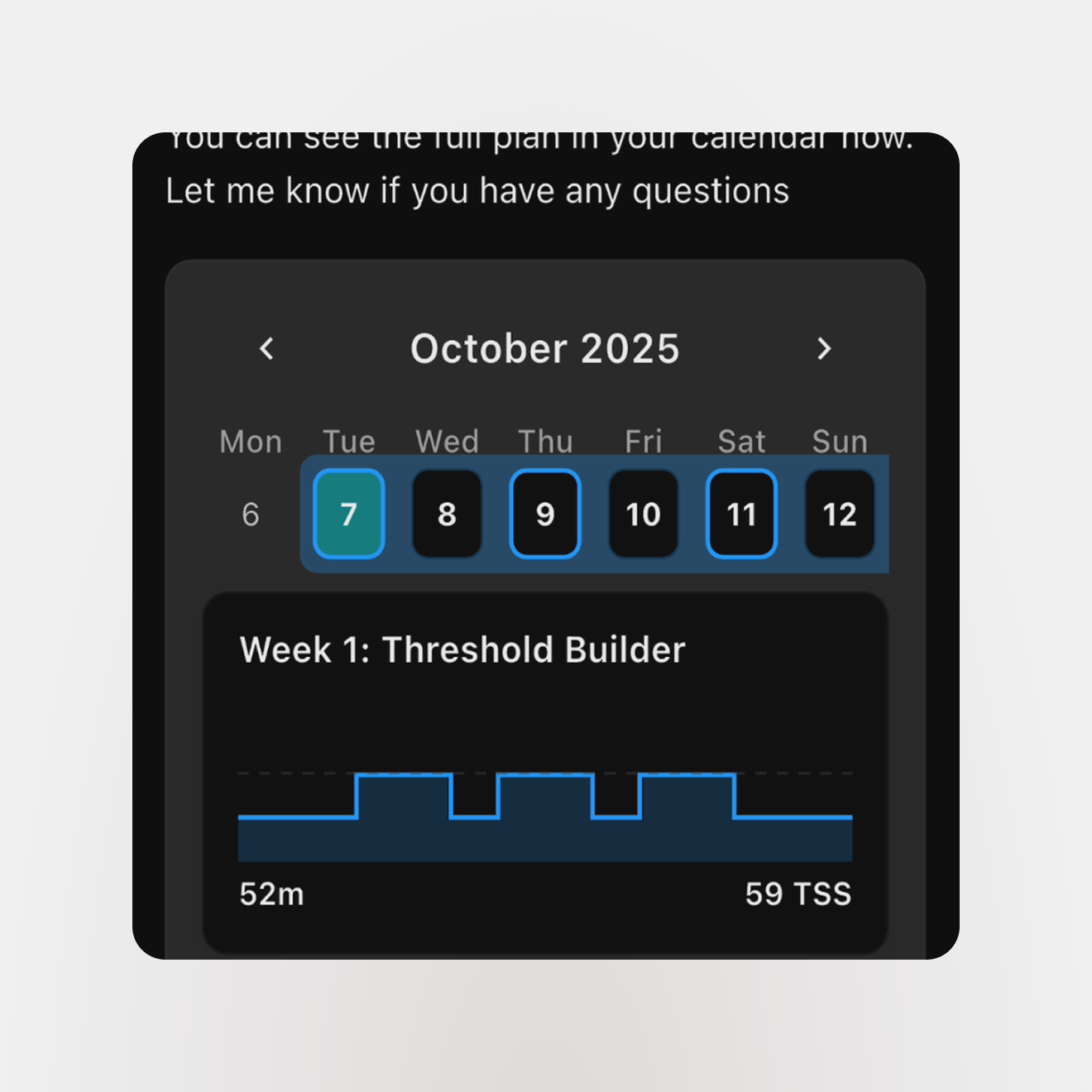
Go to the calendar page and start syncing your workouts to your preferred training platform
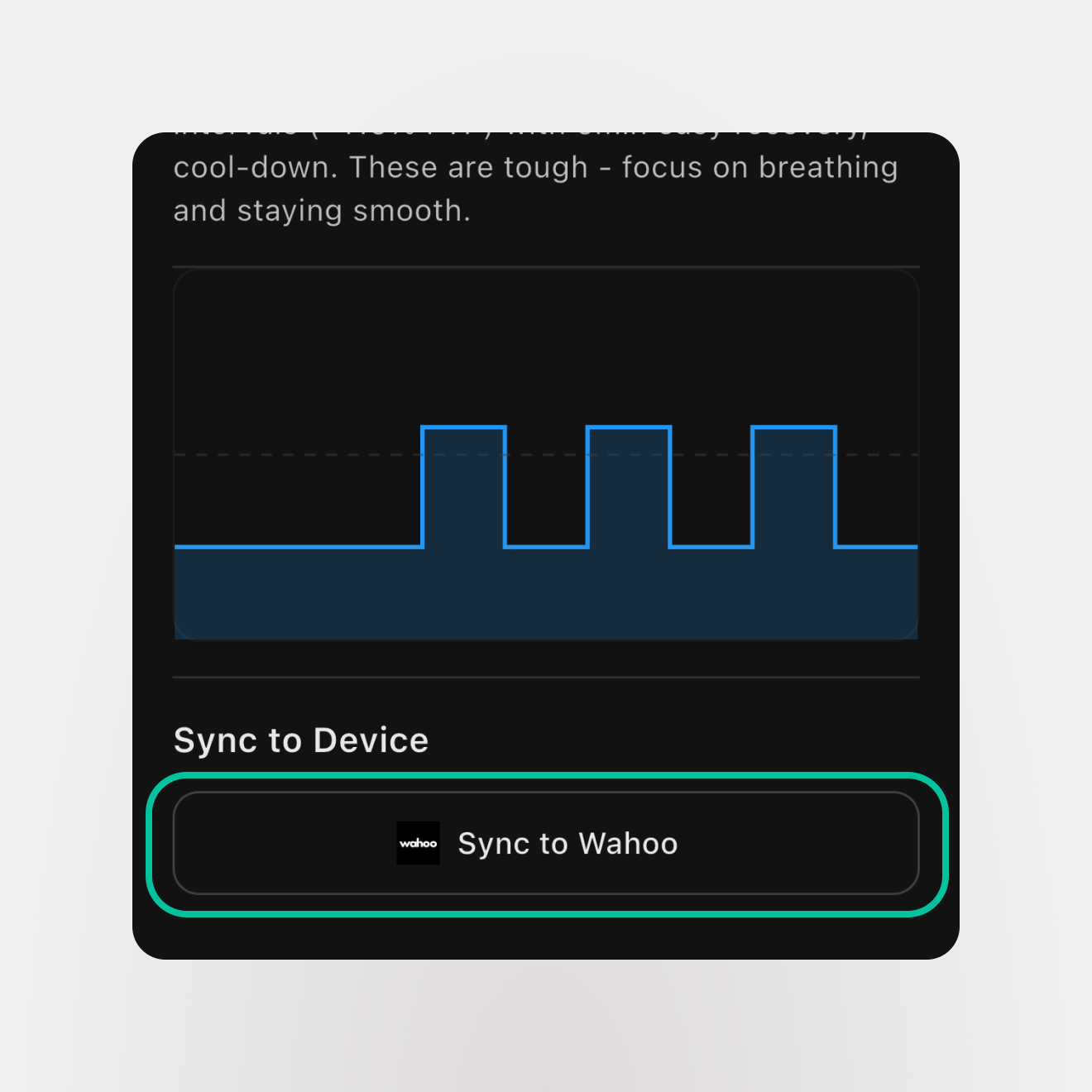
Once you're happy with your plan, navigate to the Calendar tab to view all your scheduled workouts. Connect your Garmin or Wahoo account to automatically sync workouts and track your progress as you complete them.
Tips for Success
- Be specific about your goals - the more detail you provide, the better your plan
- Share your current fitness level and recent training history
- Tell your coach about time constraints, preferred workout days, and equipment
- You can adjust the plan anytime by talking to your AI coach
- Connect Garmin or Wahoo to automatically sync completed workouts
Need Help?
Having trouble scheduling your training plan?
Related Articles: